
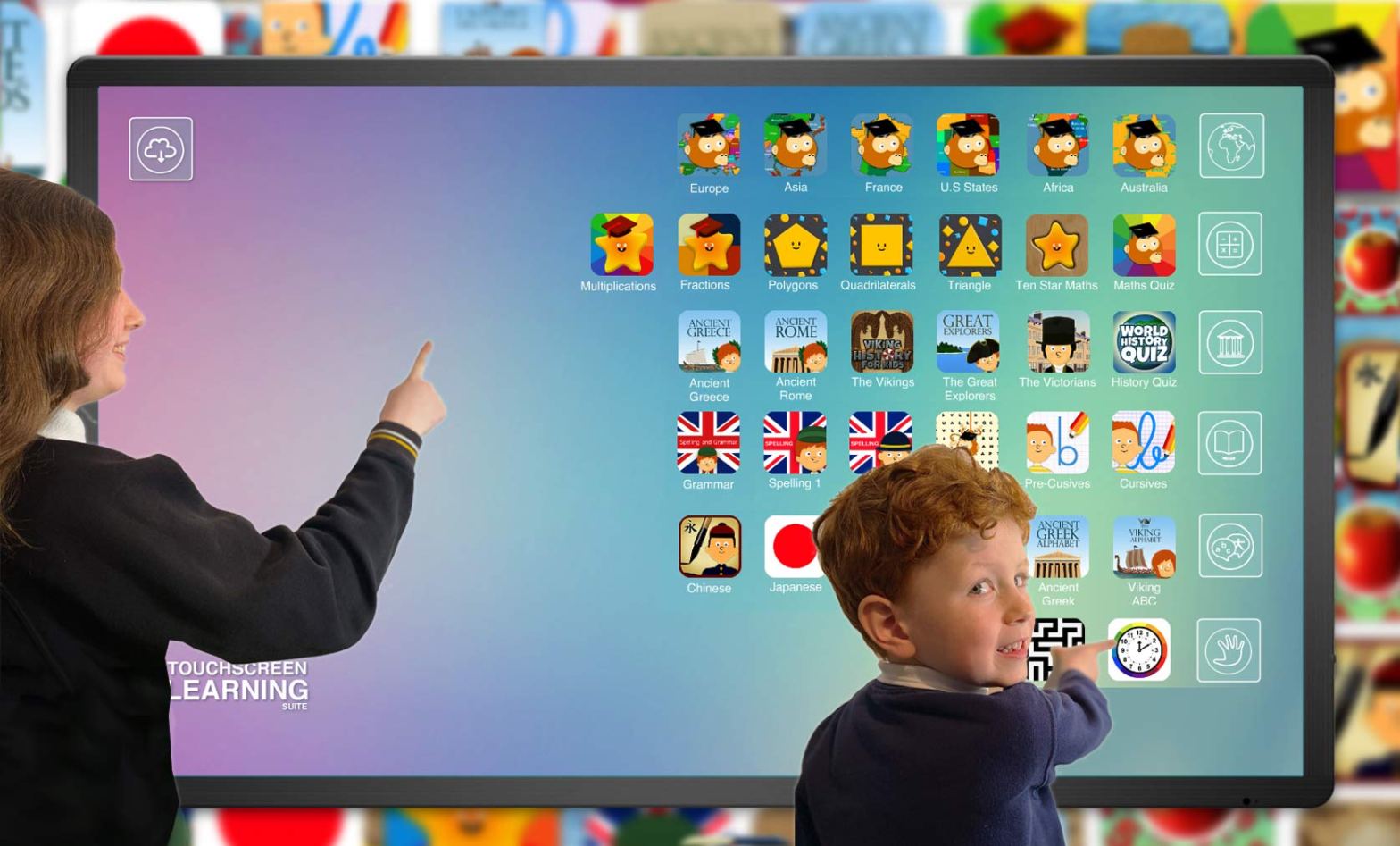
How can a teacher support learning using an interactive display?
We have been looking into simple and practical ways to get more engagement on your interactive display. discover how Touchscreen Learning Suite software can enhance learning experience and make lessons more interactive and dynamic.

Here are some strategies to engage students effectively:
- Introduce the software: Begin by introducing the interactive display software to the students. Explain its features, how it works, and the benefits it provides. Make sure they understand how to navigate through the software and access various tools.
- Hands-on exploration: Allow students to explore the software on their own. Give them time to familiarize themselves with the different features and functionalities. Encourage them to experiment and discover the software’s capabilities independently.
- Interactive activities: Design interactive activities that require student participation. For example, you can create quizzes, polls, or interactive presentations where students can respond directly on the interactive display. This promotes active engagement and encourages students to interact with the software.
- Collaborative projects: Encourage collaborative learning by assigning group projects that involve using the interactive display software. This could include creating presentations, interactive posters, or digital storytelling. Collaboration fosters engagement as students work together to achieve a common goal.
- Gamification: Incorporate gamification elements into the lessons using the interactive display software. Create educational games, puzzles, or simulations that allow students to actively participate and compete with each other. Gamification adds an element of fun and excitement, making the learning process more engaging.
- Multimedia integration: Utilize the multimedia capabilities of the software to enhance engagement. Incorporate images, videos, and audio into your lessons. For example, you can display relevant videos or use images as visual aids. This multimedia approach helps cater to different learning styles and keeps students actively involved.
- Real-time feedback: Use the interactive display software to provide immediate feedback to students. Utilize the software’s annotation tools or comment features to highlight correct answers, provide explanations, or address misconceptions. Timely feedback keeps students engaged and helps them track their progress.
- Interactive simulations and virtual labs: If the software supports simulations or virtual labs, utilize these features to provide hands-on experiences. Students can explore scientific concepts, conduct virtual experiments, or simulate real-life scenarios. Such interactive experiences make learning more engaging and memorable.
- Student-led presentations: Encourage students to create and deliver their own presentations using the interactive display software. This not only improves their presentation skills but also allows them to take ownership of their learning. Provide guidelines and templates, if necessary, to assist them in creating visually appealing and interactive presentations.
- Regularly assess understanding: Use the interactive display software for formative and summative assessments. Create interactive quizzes, polls, or games to check students’ understanding of the material covered. This helps keep students engaged and provides an opportunity for them to evaluate their knowledge.
Important: Remember to adapt these strategies to fit the specific needs and age group of your students. By incorporating interactive elements, collaborative activities, and multimedia content, you can maximize engagement and make the most of the interactive display software in the classroom.
 Touchscreen Learning | Software & apps for tablets, iPad & classroom displays